
Rate Studio Budget Module: Indirect Rate Budgeting for Government Contractors
Budget your year, then see the rates it produces.
The Budget Module builds next year's revenue, labor, and costs from the bottom up, then runs them through the same rate engine as your actuals. One structure drives your budget, your forward pricing rates, and your actual results.
From first revenue estimate to finished pro forma.
Each step builds on the last, and every number feeds the rate calculation you already trust.
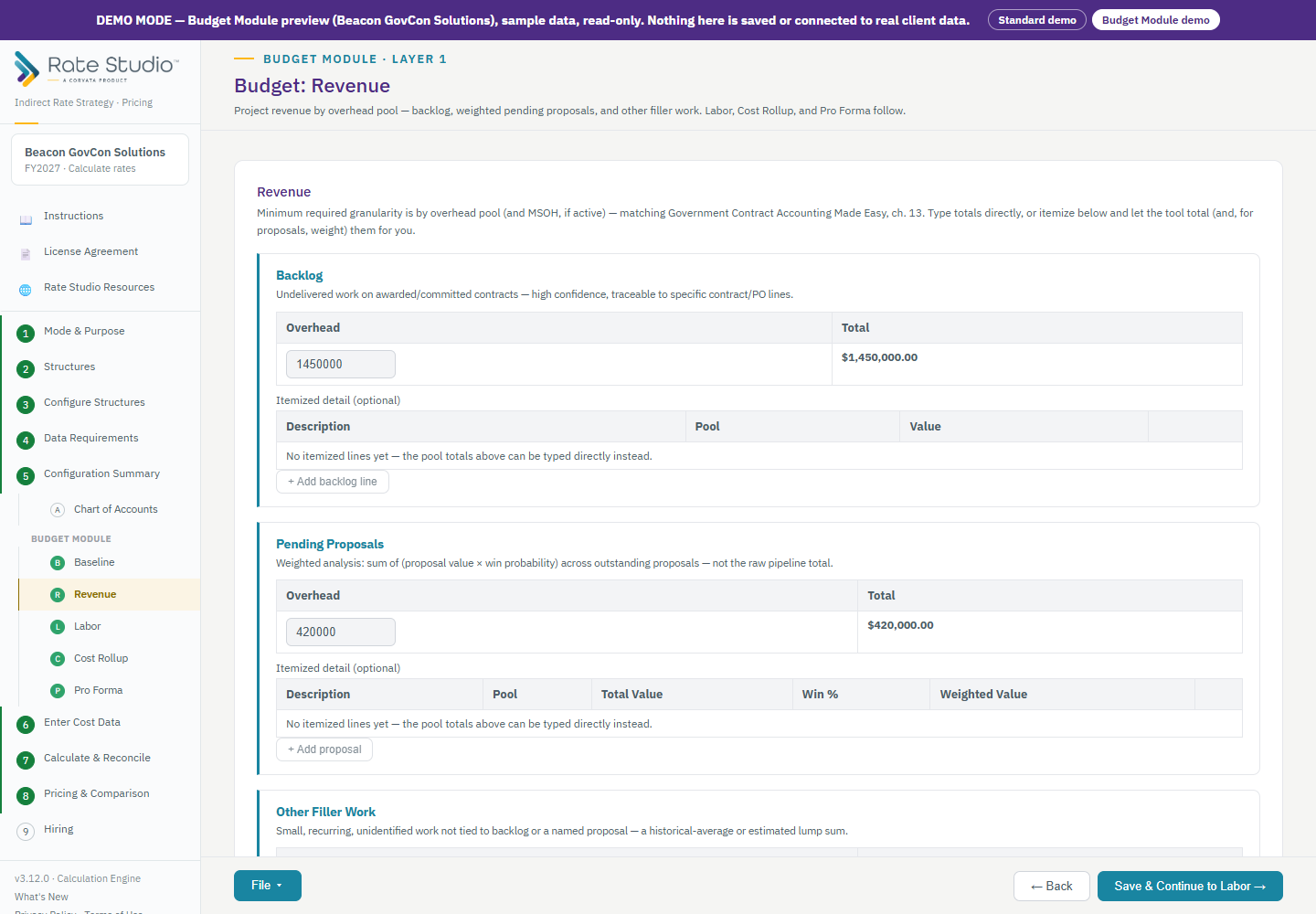
Start with the work you expect to perform.
Enter backlog, probability weighted pending proposals, and filler work by overhead pool. Type a total, or itemize line by line and let Rate Studio total and weight them for you.
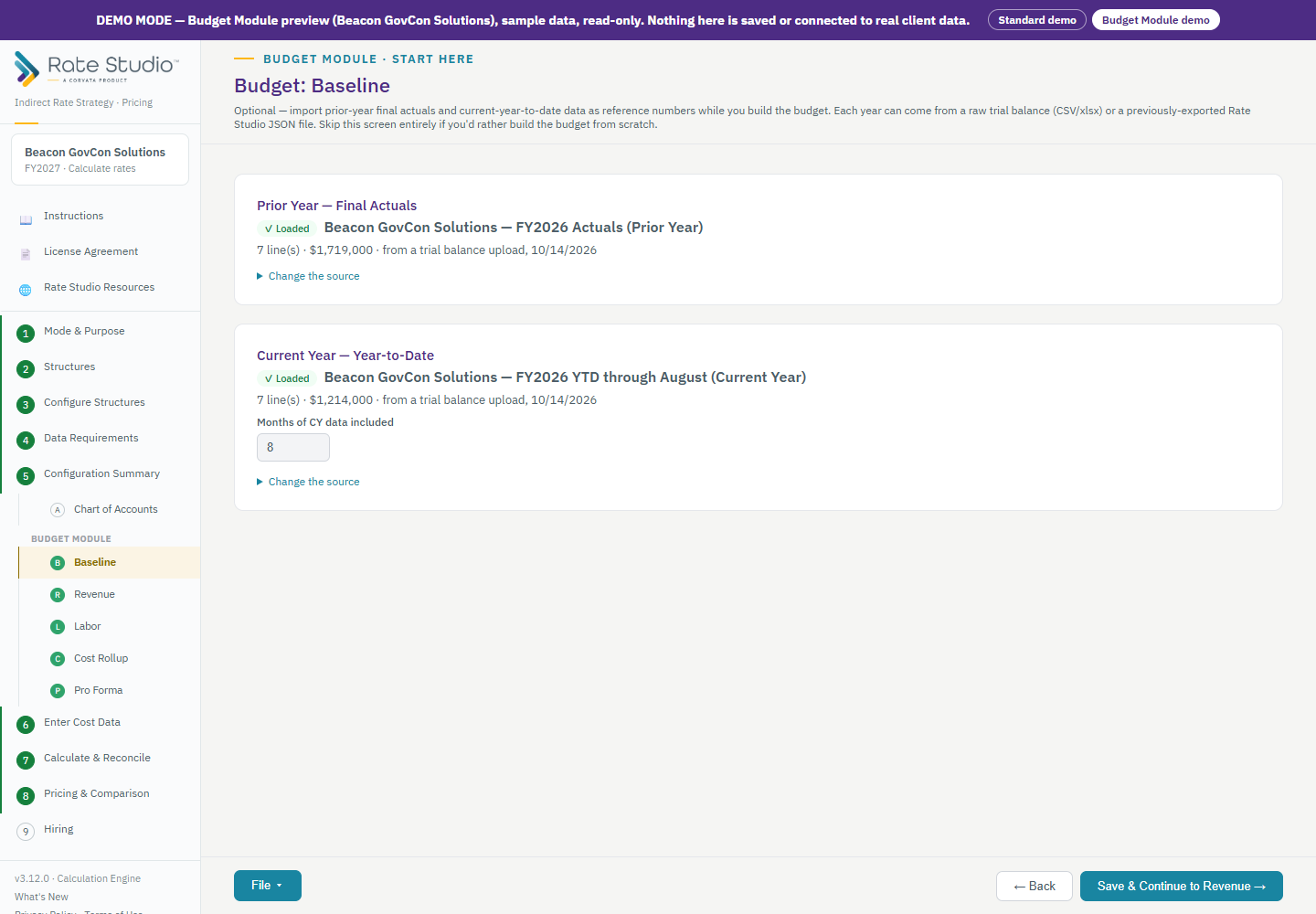
Bring in last year as a reference.
Load prior year final actuals and current year results to date from a trial balance or a Rate Studio file. A cost trend table then compares prior year, current year annualized, and your budget, and flags variances above 15 percent for a second look.
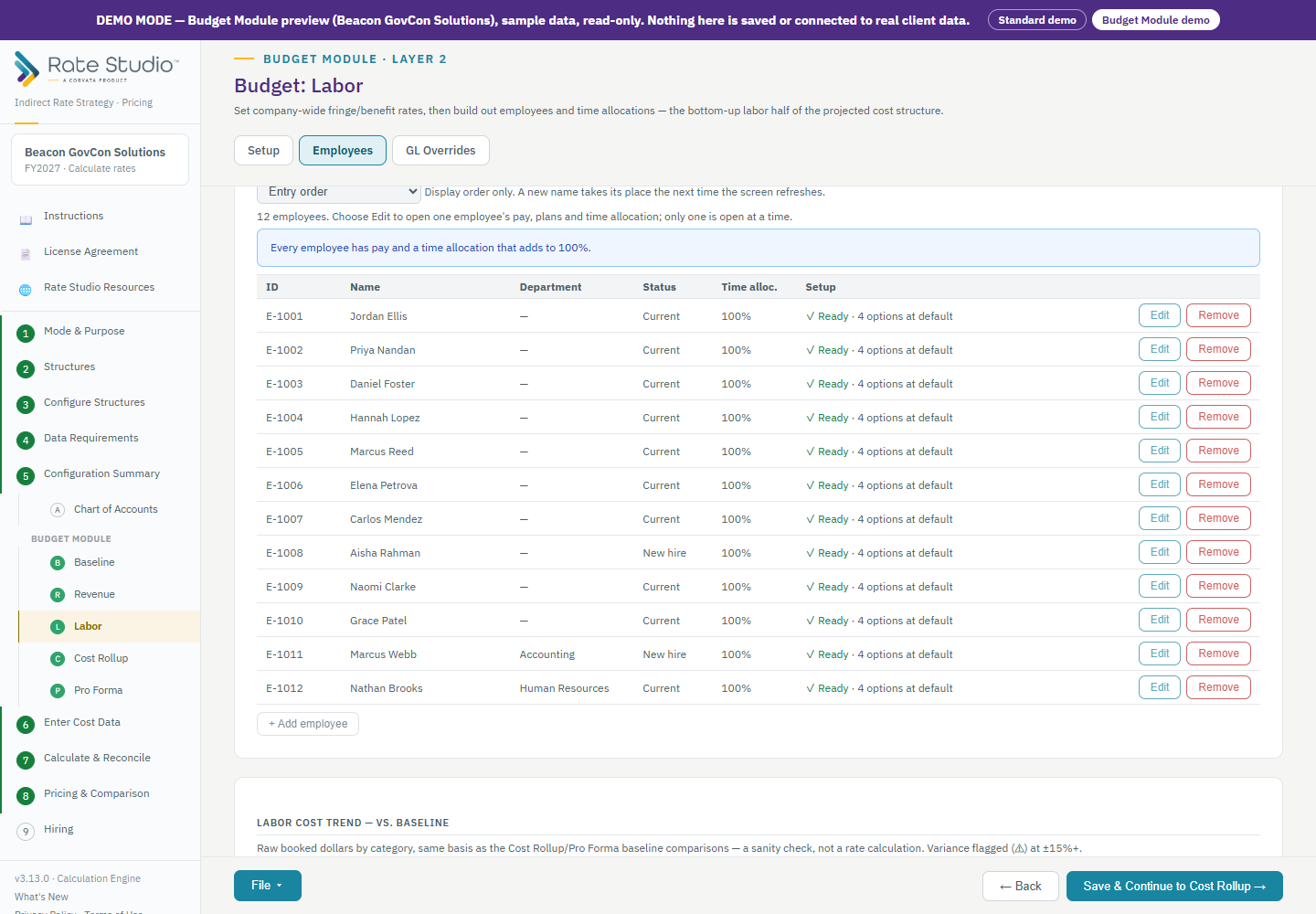
Build labor employee by employee.
Set company-wide benefit rates and paid absence types such as PTO, holiday, and sick leave. Enter each employee's pay and split their time across direct, overhead, and G&A as a percentage of worked hours, so paid absences are costed correctly. Payroll taxes follow your rules: unemployment by state, workers' compensation by job class, and the federal wage base cap. Start faster by importing your roster from a CSV template.
Document every cost assumption.
Add materials, subcontracts, travel, other direct costs, and pool expenses. Every line carries a required rationale, so each assumption is on record before anyone asks about it. If you loaded a baseline, lines arrive pre-filled from it, and the amount you type is always the amount used.
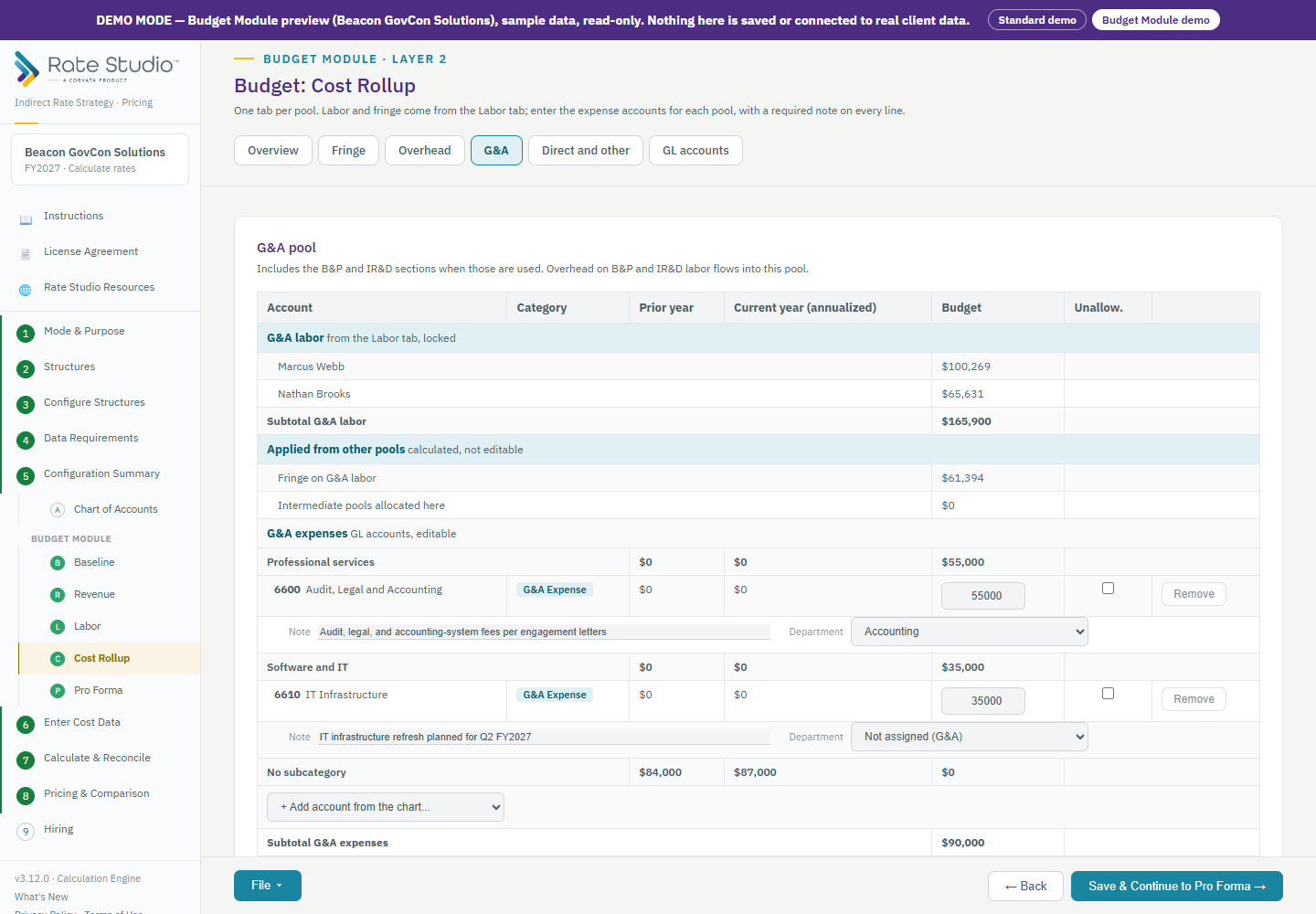
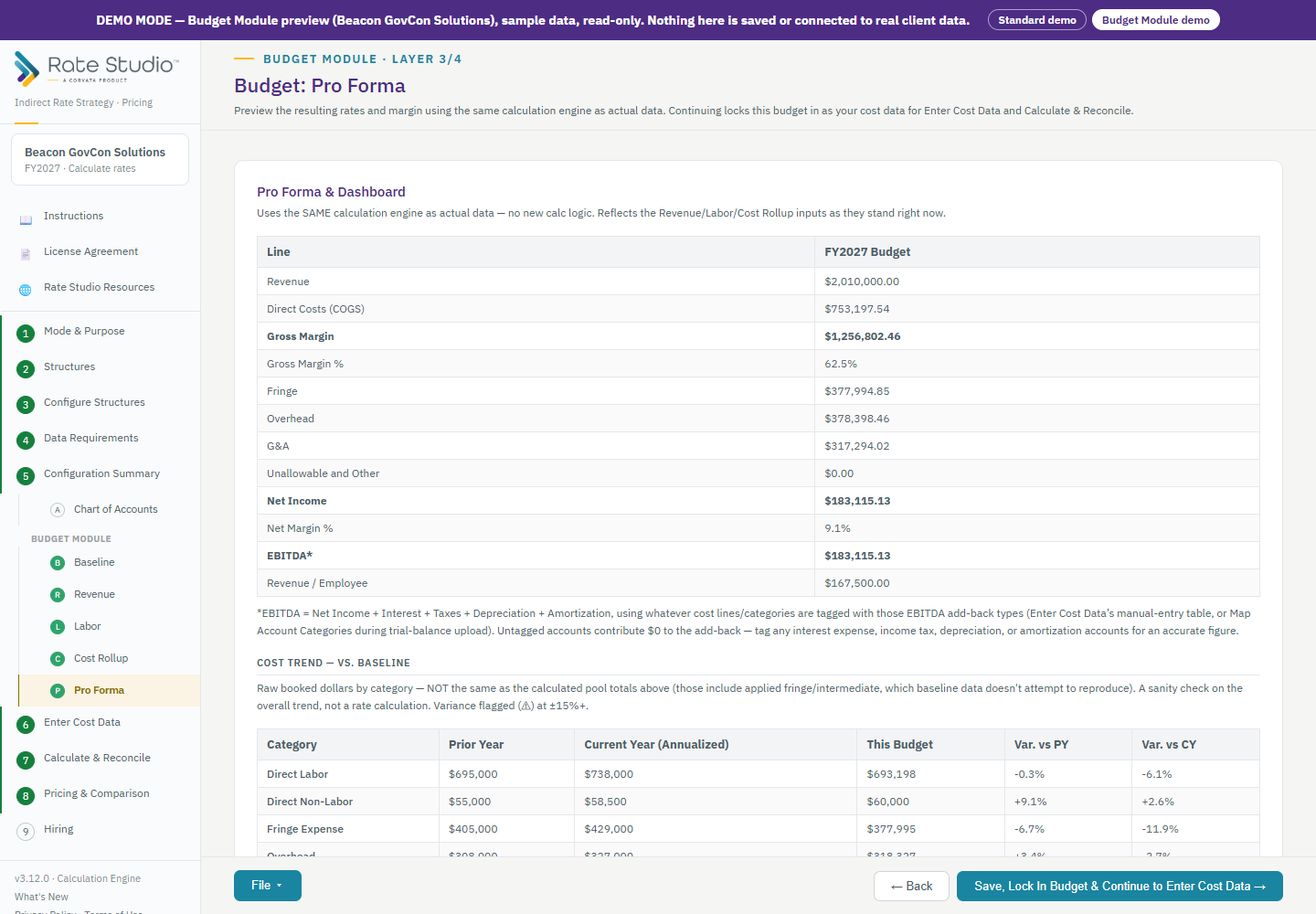
See the rates your budget produces.
Review revenue, gross margin, fringe, overhead, G&A, net income, and your calculated rates in one view, with the cost trend alongside. When you continue, the budget becomes your cost data for the rest of Rate Studio: calculation and reconciliation, pricing, and hiring.
Built for the way government contractors budget.
The same engine as actuals
Budget rates come from the same cascade, reconciliations, and base logic as your actual rates.
Worked hours accuracy
Time allocation is a percentage of worked hours, so paid absences are costed correctly in every pool.
Payroll rules built in
FUTA wage base cap, SUTA by state, workers' compensation by class, and an optional cap on the retirement match.
A rationale on every line
Each non-labor assumption records why, so you can support it for an auditor or contracting officer.
A built in trend check
Compare against prior year and year to date, with variances above 15 percent flagged for review.
Reusable and local
Save your budget as a file, reopen it next year, and keep your data on your own machine.
Choose Budget on Step 1.
Set your data type to Budget. If you already have a finished budget, load it as a trial balance. If you need to build one, choose "I need to create one" and the Budget Module appears between Configuration Summary and Enter Cost Data. Every Rate Studio plan and edition includes it.